

Get started
Nanobrowser documentation
Couldn't copy. Open the Markdown.
What Nanobrowser is, what it can and can't do, how it works, and where to start.
- QuickstartInstall the extension, connect a model and run your first task.
- Choosing a modelPick a cloud or local model that works well with the agent.
- Ask and Auto modeDecide when the agent asks you before it acts.
- Privacy and securitySee what leaves your browser, where it goes and how to stay safe.
Nanobrowser is a free, open-source AI agent that works in your own browser. Tell it a task in the side panel. It reads the pages, clicks, types and moves between tabs to get it done. In Ask mode, the default, it asks you before it submits, sends, deletes or uploads anything.
It runs in Chrome and Edge. You bring the model: a cloud provider with your own API key, or a model on your own computer. Nanobrowser itself costs nothing.
What is it good at?
- Reading and summing up. Summarize a page, or pull the main points out of a long article.
- Research across sites. Search several sites and put what it finds in a table.
- Forms and routine steps. Fill in a form with the details you give it.
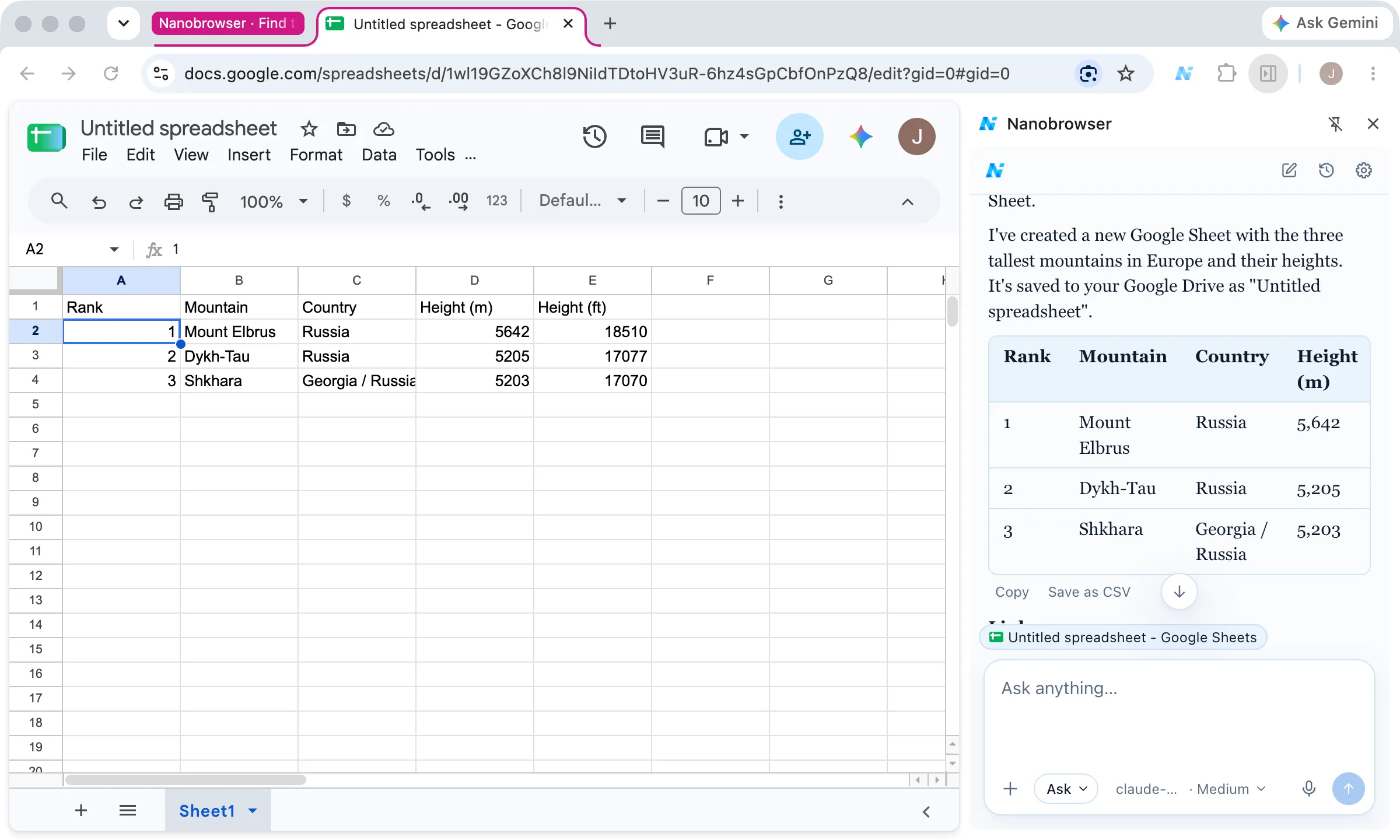
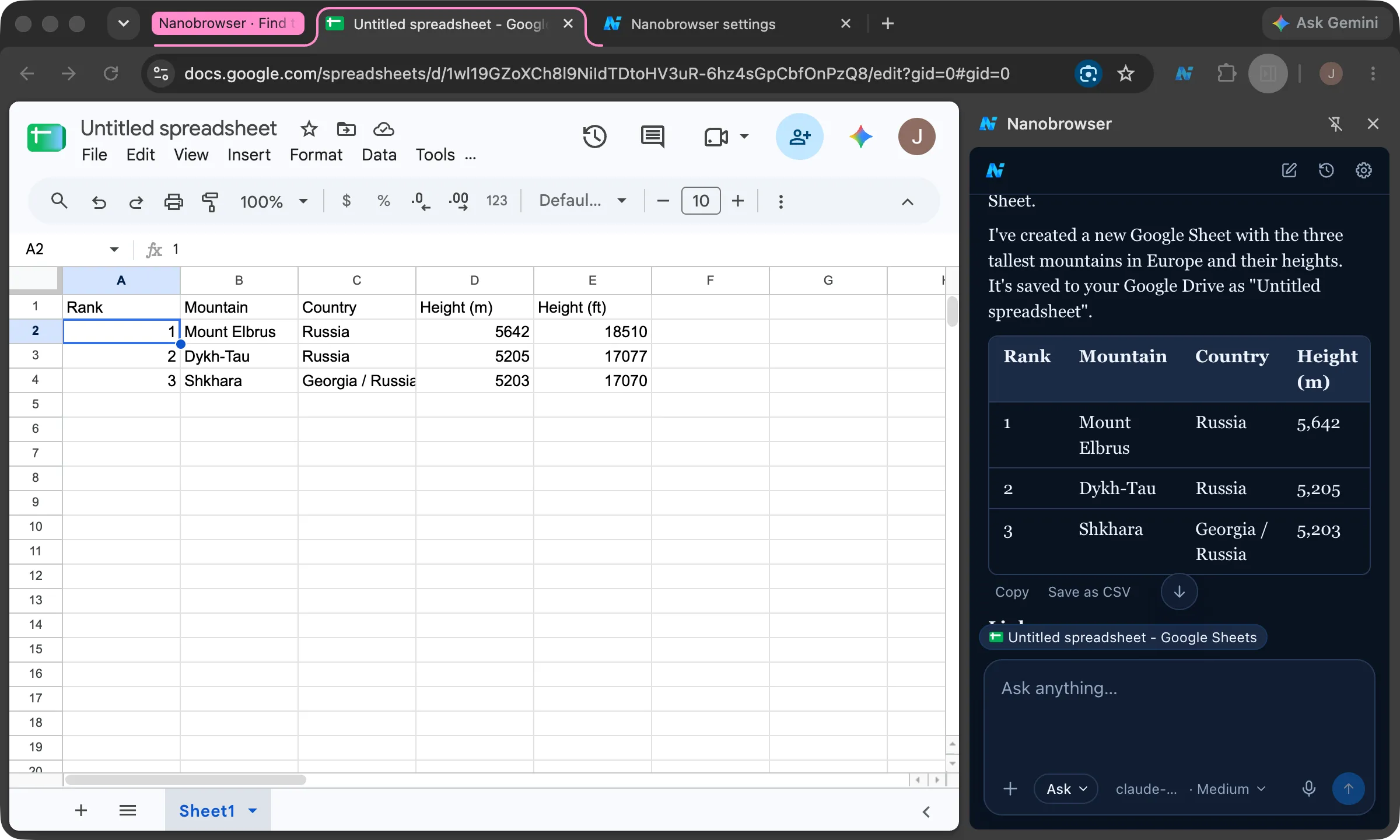
- Saving results. Save a table as a CSV file or a report as Markdown to your Downloads folder.
- Working while you browse. Each task runs in its own tab group, so you can run a few at once.
It works in your real browser, where you’re already signed in. It doesn’t need a separate account or a copy of your passwords.
What can’t it do?
- It isn’t perfect. It can misread a page or take a wrong step. Watch it, and click Stop to take over.
- It doesn’t pay or sign in for you. When it reaches a payment, a password, a code or a “Sign in with…” permission screen, it hands that step to you. It may not spot every one.
- It can’t use every page. Browser pages such as
chrome://pages, the extension stores, files on your computer and the PDF viewer are off limits. See Pages the agent can’t use. - It works only while your browser is open. It doesn’t run tasks on a schedule or on a server.
- It needs a model that supports tool calling. Not every model can run the agent. See Choosing a model.
How does it work?
- You type a task in the side panel.
- Nanobrowser sends your task, and what it sees on the page, to the model you picked.
- The model chooses the next step, such as a click, some typing or a new tab.
- Nanobrowser does that step in your browser and tells the model what happened.
- This repeats until the task is done. Then the agent answers you in the chat.
Your settings decide which steps need your OK. The model can’t change them. See Ask and Auto mode.
The page content goes to the model provider you choose. No Nanobrowser server sees it. See Privacy and security.